URL Shortener API Guide How to Automate Link Creation, Tracking, and Management
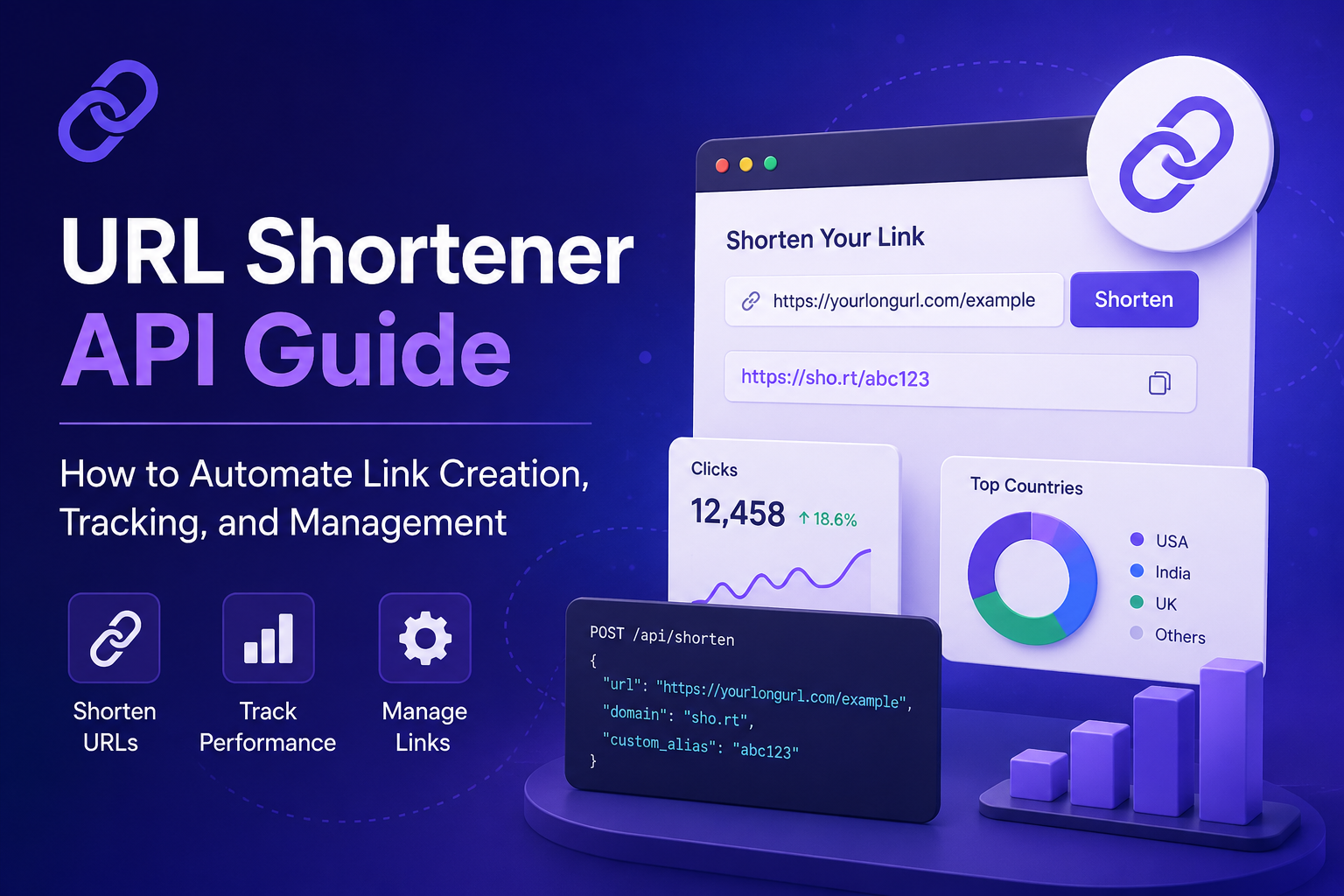
Manually shortening links one by one works fine when you're sending out a handful of URLs a month. It stops working the moment your product sends thousands of onboarding emails, your marketing team launches ten campaigns at once, or your app needs to generate a tracked link every time a user shares something.
That's the point where a URL shortener API stops being a nice-to-have and becomes infrastructure.
This guide walks through what a URL shortener API actually does, how the request/response flow works, what to look for before you integrate one, and how to make your first call with working code examples in cURL, JavaScript, and Python.
What Is a URL Shortener API?
A URL shortener API is a set of programmatic endpoints that let your application create, manage, and track short links without a human ever opening a dashboard. Instead of pasting a long URL into a web form, your backend sends an HTTP request, and the API returns a short link in milliseconds.
Under the hood, every request typically does one (or more) of these:
- Create a new short link from a long URL
- Read details or click data for an existing link
- Update the destination, alias, or expiration of a link
- Delete or deactivate a link
If you've worked with any REST API before, a URL shortener API will feel familiar it's just a thin, predictable layer that turns a long URL into something short, brandable, and trackable.
Why Developers Integrate a URL Shortener API
Doing this manually doesn't scale. Here's where the API earns its place in your stack:
- Volume: Generating one link by hand is trivial. Generating 50,000 personalized referral links for a product launch isn't.
- Consistency: Every link follows the same domain, alias pattern, and tracking parameters instead of relying on someone remembering the naming convention.
- Speed: A link gets created the instant an event happens (a signup, an order, a message sent) no manual step in between.
- Data: Every click becomes a data point you can pull back into your own analytics stack instead of logging into a separate dashboard.
How a URL Shortener API Works: The Core Concepts
Before writing any code, it helps to understand the three moving parts almost every provider's API shares.
1. Authentication
Most URL shortener APIs authenticate requests using an API key or bearer token, passed either as a header or a query parameter. You generate this key once from your account dashboard and keep it out of your frontend code it should live in an environment variable on your server, never in client-side JavaScript.
2. Endpoints
A typical implementation exposes RESTful endpoints along these lines:
| Method | Endpoint | Purpose |
|---|---|---|
POST | /api/links | Create a new short link |
GET | /api/links | List existing links |
GET | /api/links/{id} | Get details/analytics for one link |
PATCH | /api/links/{id} | Update destination, alias, or settings |
DELETE | /api/links/{id} | Deactivate or remove a link |
3. Response Format
Almost every modern URL shortener API returns JSON, typically including the short URL, the original long URL, a unique ID, creation timestamp, and (depending on the provider) click count or analytics metadata.
Core Features to Look For in a URL Shortener API
Not every API is built the same way. Before you commit engineering time to an integration, check whether it actually supports what your use case needs.
| Feature | What It Does | Why It Matters |
|---|---|---|
| Custom aliases | Lets you set a readable slug instead of a random string | Better brand recognition and click-through trust |
| Bulk creation | Create many links in a single request or batch job | Essential for migrations and large campaigns |
| Custom domains | Use your own branded domain instead of a shared one | Higher click-through rate, stronger brand trust |
| Click analytics | Returns clicks by time, device, location, referrer | Lets you measure campaign performance without a separate tool |
| Link expiration | Auto-disables a link after a date or click count | Useful for limited-time offers or one-time access links |
| Webhooks | Sends a real-time event when a link is clicked | Enables instant automation (e.g., triggering a follow-up email) |
| QR code generation | Returns a scannable QR code for the short link | Useful for print materials, packaging, and offline campaigns |
| Rate limits | Defines how many requests you can send per hour/minute | Determines whether the API can handle your traffic volume |
Making Your First API Call
Here's what a basic "create a short link" request looks like across three common environments. (Replace the endpoint and key with your provider's actual values this structure is representative of how most REST-based shortener APIs are designed.)
cURL
curl -X POST https://api.yourshortener.com/v1/links \
  -H "Authorization: Bearer YOUR_API_KEY" \
  -H "Content-Type: application/json" \
  -d '{
        "long_url": "https://example.com/blog/very-long-article-title",
        "custom_alias": "spring-sale"
      }'
JavaScript (Node.js / fetch)
const response = await fetch("https://api.yourshortener.com/v1/links", {
  method: "POST",
  headers: {
    "Authorization": "Bearer YOUR_API_KEY",
    "Content-Type": "application/json"
  },
  body: JSON.stringify({
    long_url: "https://example.com/blog/very-long-article-title",
    custom_alias: "spring-sale"
  })
});

const data = await response.json();
console.log(data.short_url);
Python
import requests

response = requests.post(
    "https://api.yourshortener.com/v1/links",
    headers={"Authorization": "Bearer YOUR_API_KEY"},
    json={
        "long_url": "https://example.com/blog/very-long-article-title",
        "custom_alias": "spring-sale"
    }
)

print(response.json()["short_url"])
Typical JSON response
{
  "id": "lnk_8f3k2",
  "short_url": "https://yourshortener.com/spring-sale",
  "long_url": "https://example.com/blog/very-long-article-title",
  "created_at": "2026-09-03T10:15:00Z",
  "clicks": 0
}
That's the entire loop: send a long URL, get back a short one, store the ID if you need to update or track it later.
Common Use Cases for a URL Shortener API
- Marketing campaigns: Auto-generate a unique tracked link for every ad variant, email send, or social post, and pull click data straight into your reporting dashboard.
- SaaS onboarding: Create personalized invite or activation links the moment a user signs up, without a support person doing it manually.
- E-commerce: Generate short, trackable product or discount links dynamically at checkout or in cart-abandonment emails.
- CRM and sales workflows: Attach a unique tracked link to every outbound proposal or follow-up so sales reps know exactly when a prospect opens it.
- Social media scheduling tools: Auto-shorten links the moment a post is queued, keeping character counts low on platforms like X.
- Internal tooling: Replace long internal dashboard URLs with short, memorable links for support tickets or documentation.
Security Best Practices When Integrating a URL Shortener API
An API that touches every outbound link in your product is worth securing properly:
- Never expose your API key in frontend code. Keep all API calls server-side.
- Rotate keys periodically, and immediately if a key is ever committed to a public repo.
- Use HTTPS: only never send your key or link data over plain HTTP.
- Validate destination URLs before shortening them if users can submit their own links, to avoid your domain being used to mask malicious redirects.
- Check for abuse detection on the provider's side a shortener without malware/phishing screening can get your branded domain flagged or blocklisted.
Rate Limits and Error Handling
Every provider caps how many requests you can send in a given window commonly a few thousand per hour on standard plans, higher on business tiers. Before going live:
- Read the documented rate limit and design your integration to queue or batch requests if you're likely to exceed it.
- Handle
429 Too Many Requestsresponses gracefully with retry-and-backoff logic instead of failing silently. - Log failed requests (invalid URLs, expired keys, quota errors) separately from successful ones so you can catch integration issues early.
Choosing the Right URL Shortener API A Quick Checklist
Before you write a single line of integration code, confirm the provider offers:
- Clear, versioned API documentation with real request/response examples
- SDKs or at least tested code samples in your primary language
- Custom domain support if branding matters for your use case
- Bulk/batch endpoints if you expect high volume
- Transparent rate limits and pricing tiers
- Analytics endpoints you can pull into your own reporting, not just their dashboard
- A stated uptime/reliability commitment, since a broken shortener API means every link you've ever shared stops resolving
Note: Feature availability and exact rate limits vary by provider and pricing tier always confirm current specifics against the provider's live documentation before building against them.
Common Mistakes to Avoid
- Hardcoding the API key directly in application code instead of using environment variables.
- Not handling link expiration or deactivation building an integration that assumes every link lives forever.
- Ignoring rate limits until a bulk campaign fails mid-send.
- Skipping analytics endpoints and manually cross-referencing click data instead of pulling it programmatically.
- Using one shared API key across environments (dev, staging, production) instead of separate keys, which makes debugging and revocation harder.
Frequently Asked Questions
What is a URL shortener API used for?
Ans: It lets applications create, manage, and track shortened links programmatically instead of using a web dashboard commonly for marketing automation, SaaS onboarding, and analytics.
Is a URL shortener API free to use?
Ans: Many providers offer a free tier with limited requests per month, with paid plans unlocking custom domains, higher rate limits, and bulk endpoints.
Do I need coding experience to use a URL shortener API?
Ans: Yes integrating an API requires basic knowledge of making HTTP requests (via cURL, JavaScript, Python, or similar), though most providers include ready-to-use code samples.What's the difference between a URL shortener API and a URL shortener tool?
Ans: A tool is a website interface where you manually paste a link. An API does the same job programmatically, so your own application or workflow can generate links automatically at scale.Can I get analytics through a URL shortener API?
Ans: Most providers include analytics endpoints returning click counts, timestamps, referrers, device type, and geographic data for each short link.Are URL shortener APIs secure?
Ans: Reputable providers use API key authentication, HTTPS encryption, and abuse/malware detection but security also depends on how carefully you store and rotate your own API keys.Final Thoughts
A URL shortener API turns link creation from a manual chore into a background process your product handles on its own. Whether you're generating one tracked link per user signup or shortening thousands of campaign URLs in a single batch, the integration pattern stays the same: authenticate, send a request, get back a short link, and pull analytics whenever you need them.
Start small get one endpoint working, confirm your rate limits, and build error handling before scaling up to bulk operations.