Custom Link Shortener How to Get Branded Short Links (2026 Guide)
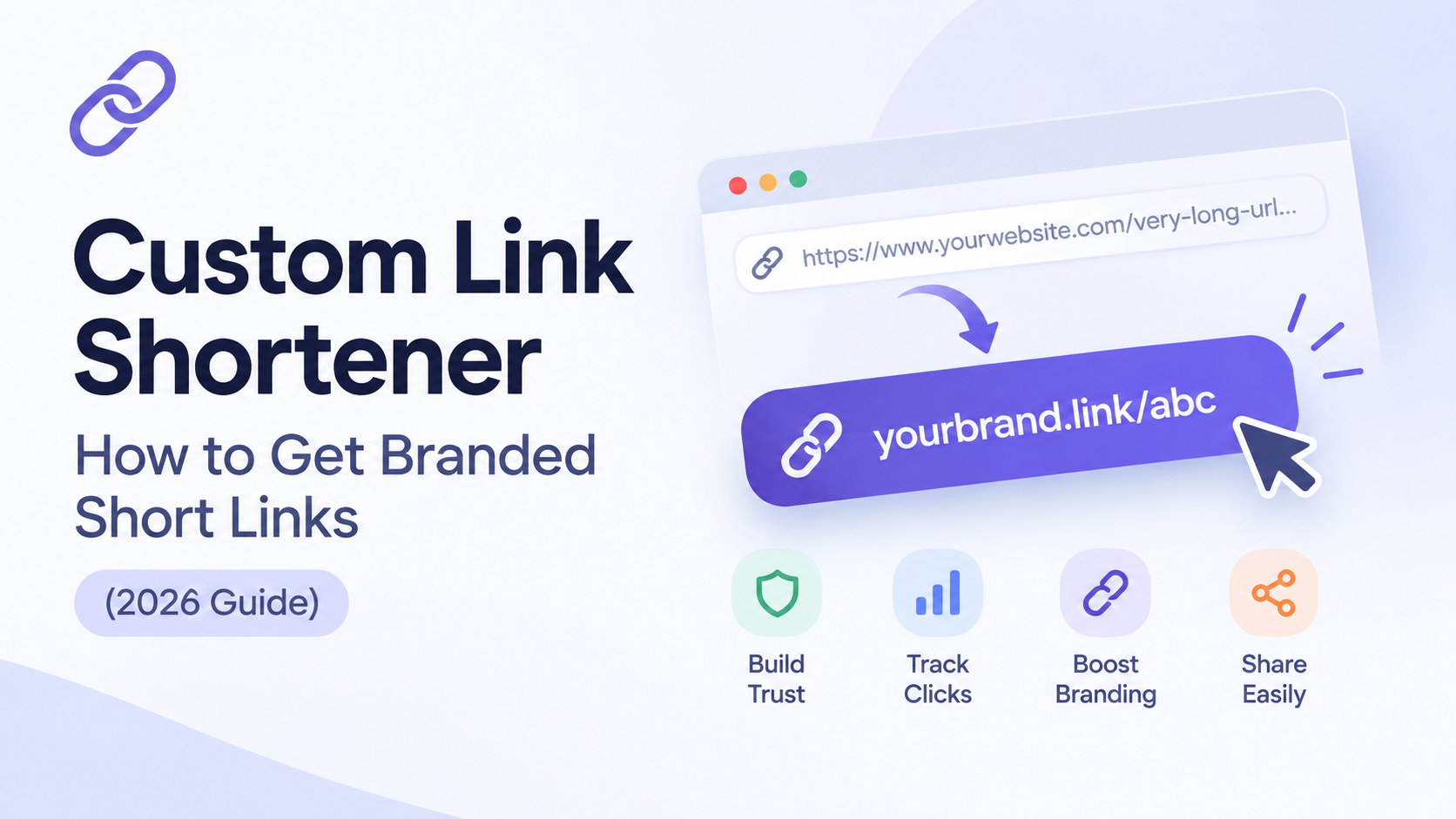
A custom link shortener replaces a generic short URL like bit.ly/3xK9fL2 with one that uses your own domain, like go.yourbrand.com/summer-sale. The link still redirects the same way; the difference is that people see your brand name instead of a third-party one before they click.
That difference isn't cosmetic. It changes whether people trust the link enough to click it in the first place.
What Is a Custom Link Shortener?
A custom link shortener is a URL-shortening tool that lets you attach your own domain (or subdomain) to shortened links instead of using the provider's shared domain. Instead of bit.ly/xyz, tinyurl.com/xyz, or short.io/xyz, your links read yourbrand.com/xyz while still functioning exactly like any other short link: a small redirect that sends visitors to your full, original URL.
Most URL shortening platforms offer this as a feature (sometimes free, sometimes gated behind a paid plan) rather than a separate product so "getting a custom link shortener" usually means configuring custom domain support inside a tool you already use, not building something from scratch.
Why a Branded Short Link Beats a Generic One
Three reasons this matters beyond aesthetics:
1. Click-through rate: People are more cautious about clicking links from domains they don't recognize a habit reinforced by years of phishing links riding on generic shorteners. A link that visibly comes from your own domain carries the trust your brand has already built.
2. Brand recall: A link like nike.com/run-club reinforces your brand every time it's shared, screenshotted, or read aloud. A link like bit.ly/49fKxQ2 does the opposite it's forgettable by design.
3. Control over your redirect infrastructure: If you ever need to migrate away from a shortening provider, links on your own domain keep working under your control. Links on a shared domain (bit.ly, tinyurl.com) are permanently tied to that provider if the service shuts down or changes terms, your links go with it.
How to Set Up a Custom Link Shortener (Step by Step)
Setting one up almost always follows the same pattern, regardless of which tool you use:
- Choose a subdomain to dedicate to short links: Commonly something like
golink., ors.in front of your existing domain (e.g.,go.yourbrand.com). Using a subdomain rather than your root domain is standard practice and doesn't affect your main site. - Add a CNAME record in your DNS settings: Pointing that subdomain to the address your shortening tool provides. This is done in whatever service manages your domain's DNS (GoDaddy, Cloudflare, Namecheap, Google Domains, etc.).
- Verify the domain inside your shortening tool's dashboard: Most platforms confirm the CNAME automatically within a few minutes to a few hours, depending on DNS propagation.
- Confirm SSL is active: A custom domain needs its own SSL certificate for links to work over HTTPS nearly all modern tools issue this automatically once the domain is verified, but it's worth checking before you start sharing links publicly.
- Start creating links on your new domain: From this point, every short link you create can use your branded domain instead of the tool's shared one.
The whole process typically takes under 15 minutes of active work, though DNS propagation can occasionally take a few hours to fully complete.
Should You Build Your Own Custom URL Shortener Instead?
A recurring search around this topic (visible in developer forums and Stack Overflow threads) comes from people asking whether to build a custom shortener from scratch rather than use an existing tool. Technically, it's a simple build: a database table mapping short codes to destination URLs, and a redirect endpoint. Frameworks in nearly every language have working examples in under 100 lines of code.
In practice, building your own only makes sense if:
- You need shortening logic embedded directly inside a larger product you're already building (e.g., a SaaS app generating its own share links)
- You have specific data residency or compliance requirements that rule out third-party tools
- You want full control over redirect logic (custom rules, A/B testing, geo-routing) beyond what off-the-shelf tools expose
For everyone else marketers, small businesses, solo creators the setup time, hosting, uptime monitoring, and abuse prevention (spam/phishing filtering) that come bundled with an existing tool are worth far more than the several hours it takes to build a bare-bones version yourself.
Custom Link Shortener Comparison: Which Tools Support It on a Free Plan
Not every shortener includes custom domain support for free. Here's how the major options currently compare:
| Tool | Custom Domain on Free Plan | Free Plan Domain Limit | Paid Plan Starting Price |
|---|---|---|---|
| Shortnerly | Confirm current plan details* | — | — |
| Short.io | Yes | Up to 5 domains | $5/mo |
| Rebrandly | Yes | 1 domain | Free plan includes it |
| Dub | Yes | Up to 3 domains | $25/mo (for higher limits) |
| Cuttly | Yes | 1 domain | $12/mo |
| TinyURL | No | — | $16/mo |
| Bitly | No | — | $10/mo (Core), custom domain needs Growth tier at $29/mo |
*Shortnerly's exact free-plan custom domain support should be confirmed against the live pricing page before this table is published same caveat as the previous article.
The pattern worth noting: newer, developer-oriented tools (Short.io, Rebrandly, Dub, Cuttly) tend to include custom domains free, while the two most recognized legacy names (Bitly, TinyURL) both reserve it for paid tiers.
Bottom Line
A custom link shortener isn't a different category of tool it's a feature most modern shorteners already support, and one that pays for itself the moment a branded link earns a click a generic one wouldn't have. Unless you have a specific technical reason to build your own, the fastest path is picking a tool that includes custom domains on its free plan, pointing a subdomain at it, and starting from there.
Frequently Asked Questions
Q1: What is a custom link shortener?
Ans: A custom link shortener is a URL-shortening tool configured to use your own domain or subdomain for short links, instead of the provider's default shared domain so links read as yourbrand.com/xyz rather than bit.ly/xyz.
Q2: Is a custom URL shortener free?
Ans: It depends on the provider. Short.io, Rebrandly, Dub, and Cuttly all include at least one custom domain on their free plans. Bitly and TinyURL both require a paid plan to unlock custom domain support.
Q3: Do custom short links improve click-through rate?
Ans: Yes branded links are generally trusted more than generic shortener links because the destination brand is visible before the click, which reduces the hesitation people have around unfamiliar or unrecognized domains.
Q4: How long does it take to set up a custom link shortener?
Ans: The active setup adding a CNAME record and verifying it inside your shortening tool typically takes under 15 minutes. Full DNS propagation can occasionally take a few hours, though it's often near-instant.
Q5: Can I use a subdomain instead of my main domain for a link shortener?
Ans: Yes, and it's the standard approach. Most businesses use a dedicated subdomain (like go.yourbrand.com) rather than their root domain, which keeps the shortener fully separate from the main website's DNS configuration.
Q6: Do I need coding skills to set up a custom link shortener?
Ans: No using an existing tool with custom domain support requires only a DNS change, not any coding. Building a shortener from scratch does require development work, but that's only necessary for specific technical or compliance use cases.